

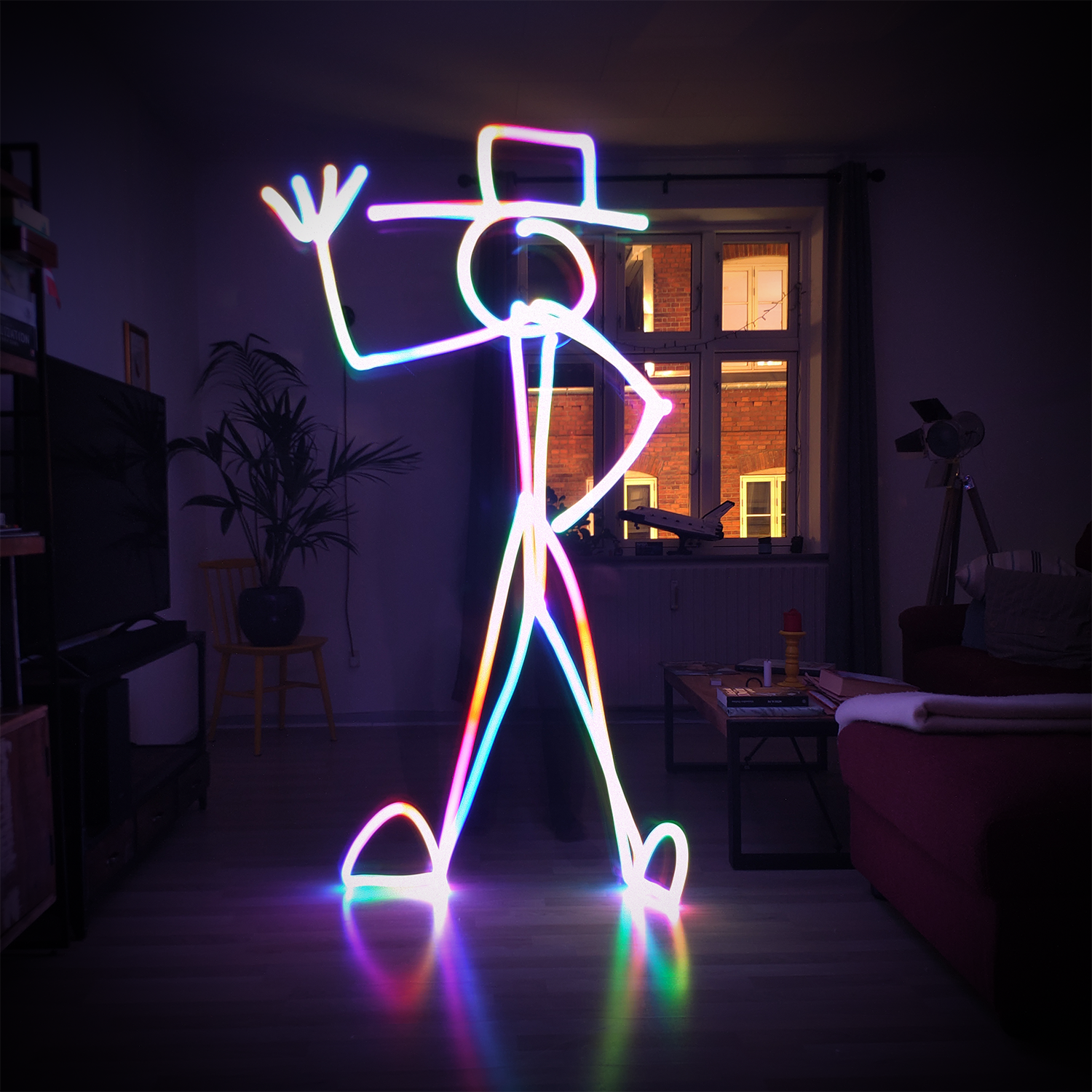
Light painting is a photographic technique where a moving light source is used to “paint” an image into a long-exposure photograph. The Lightwriter is an interactive electronic prototype we developed to explore this medium, offering a new kind of creative play. It’s a custom-built device that allows users to create colourful light art using a pair of customisable RGB LED arrays, all controlled through an intuitive web-based interface via Bluetooth.
We tackled every step of this project, from concept and design to engineering and software development. The goal was to create an easy to use device, which would serve as a creative tool to allow anyone to make dynamic, visually stunning art.
Here’s one of the very first attempts right after putting the device together for the first time!
From CAD to physical prototype
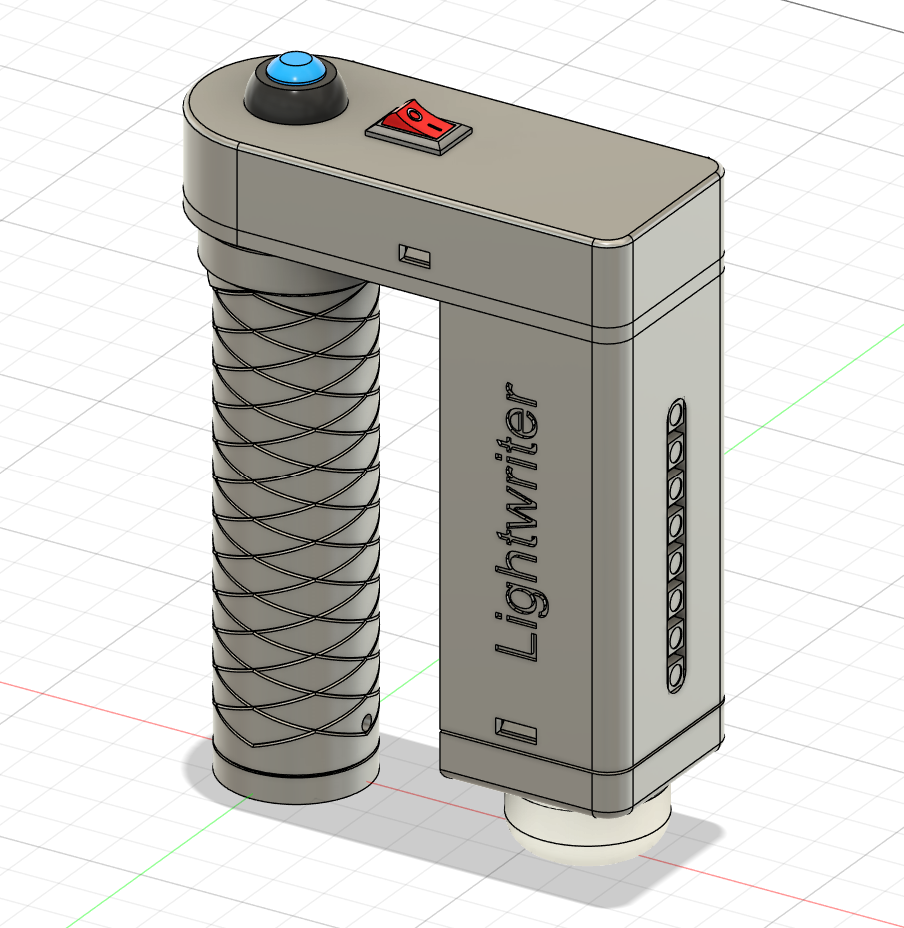
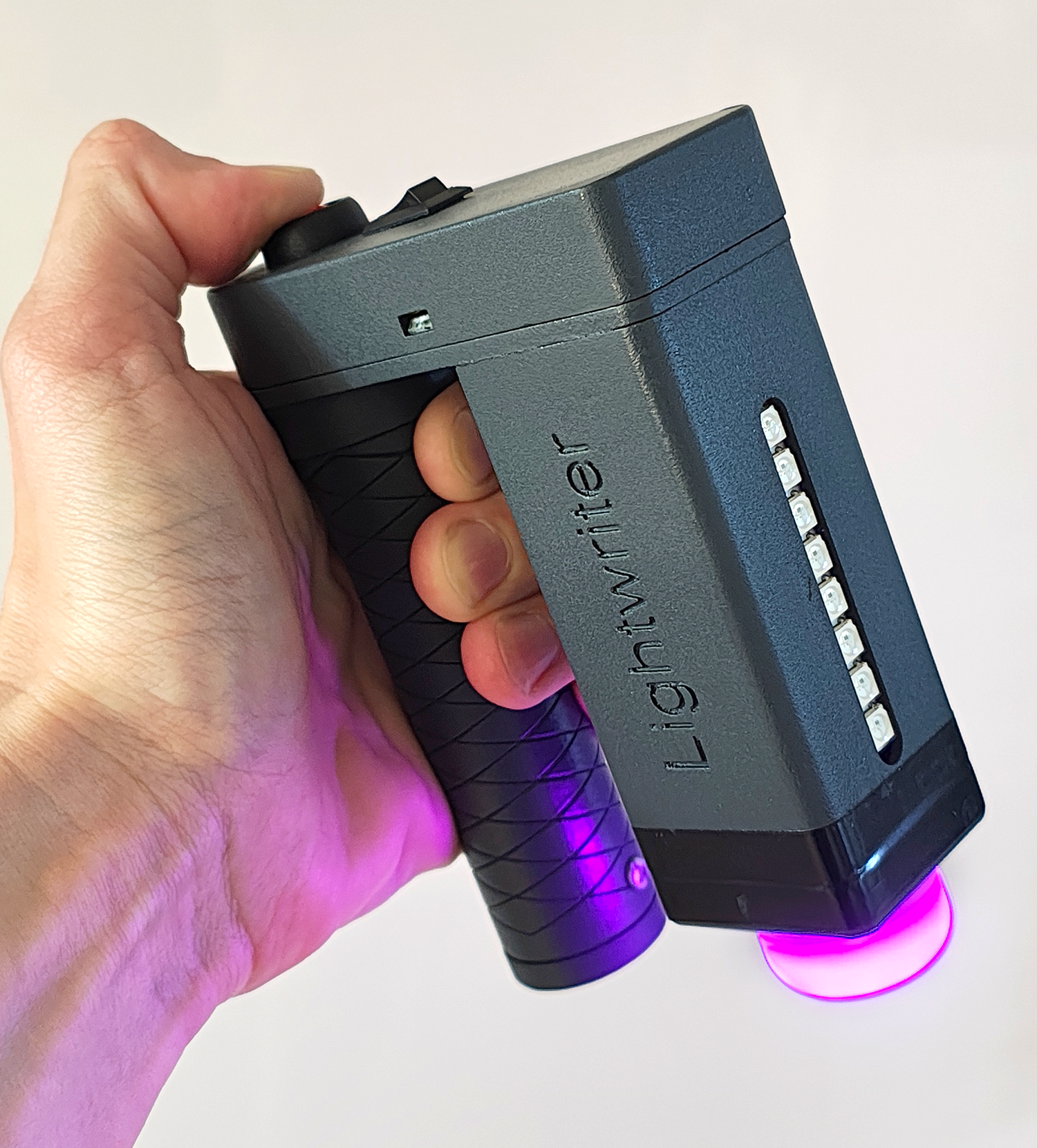
A core part of the project was designing a functional and aesthetically pleasing enclosure. Using Autodesk Fusion, the device was modeled from scratch, making sure it would comfortably house all the electronic components (microcontroller, battery, LEDs, charging circuitry) and be ergonomic for a user to hold. The design was then 3D printed in resin to achieve a high-quality, smooth finish. This device demonstrates a complete workflow from digital design to a prototype for a physical product.
Connectivity
The Lightwriter is powered by an ESP32 microcontroller, a powerful and versatile platform for connected devices. We wrote the custom firmware for the ESP32 in C++, which handles everything from controlling the LED arrays and monitoring the battery charge to managing the BLE (Bluetooth Low Energy) connection. The device also includes a rechargeable 18650 Li-ion battery and a USB Type-C port for charging.
The companion web-based application was built using HTML and JavaScript. It connects to the Lightwriter via Bluetooth, giving users full control over the behaviour of both light arrays. The interface allows users to select colours, create sequences, and even create custom gradients.
Key skills and technologies
- Prototyping: Designing and building a functional electronic device from the ground up, integrating physical materials with digital technology.
- Engineering: Selecting and integrating key off-the-shelf components like the microcontroller development board, addressable LED arrays, battery management ICs, and power delivery components.
- Firmware development: Writing the low-level C++ code that controls the device’s hardware and connectivity.
- Interaction design: Creating a simple and intuitive user experience (UX) and user interface (UI) for the web application that connects to the physical device.
- 3D modeling: Designing a custom enclosure in Autodesk Fusion, with an eye toward both function and aesthetics.